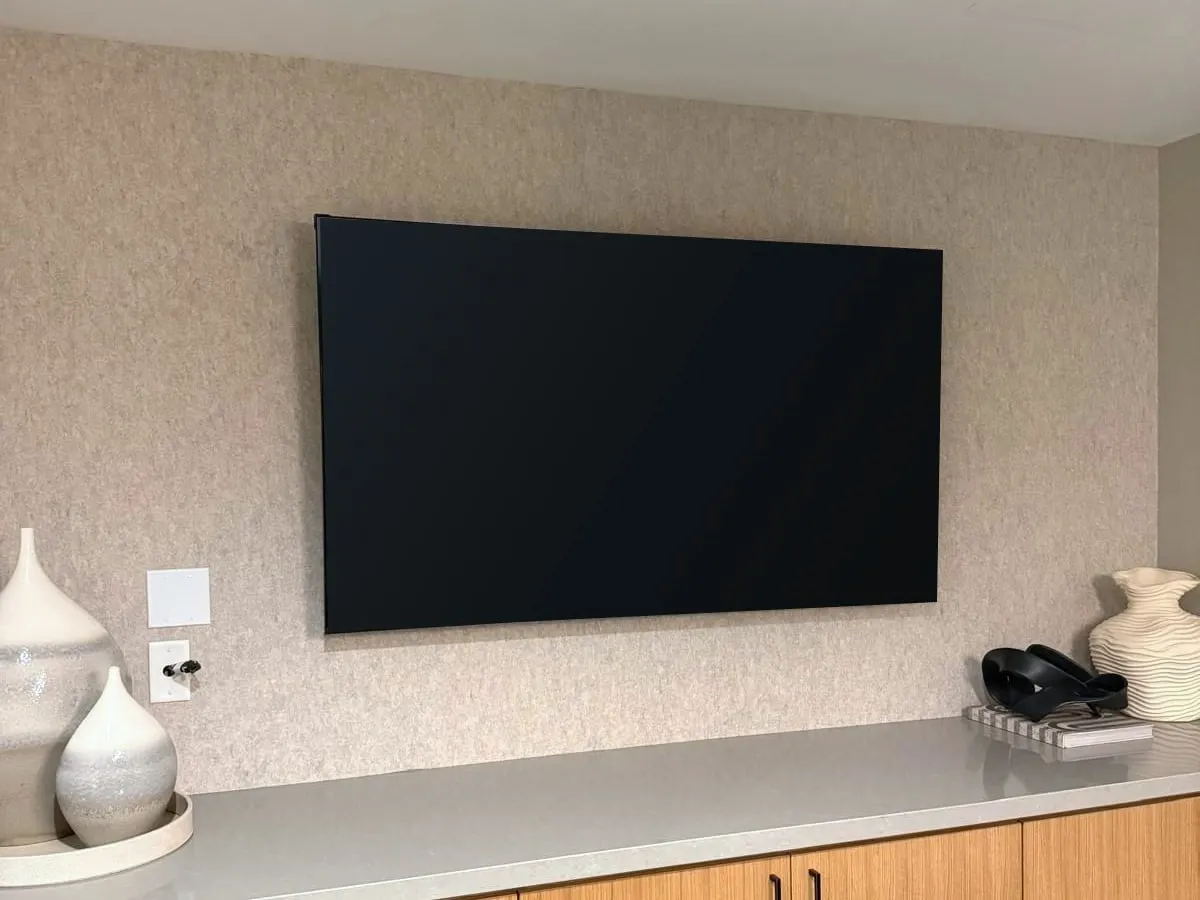
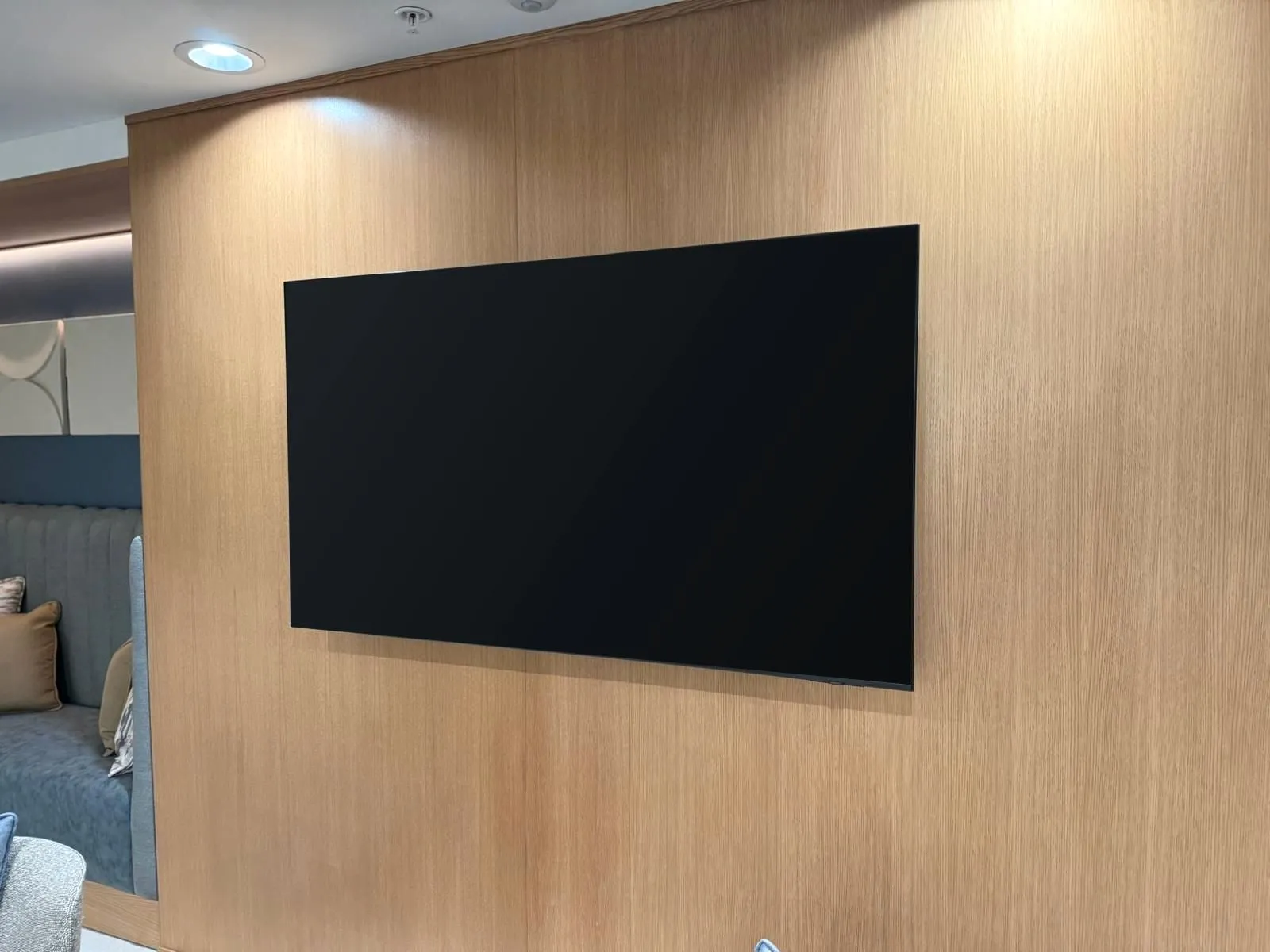
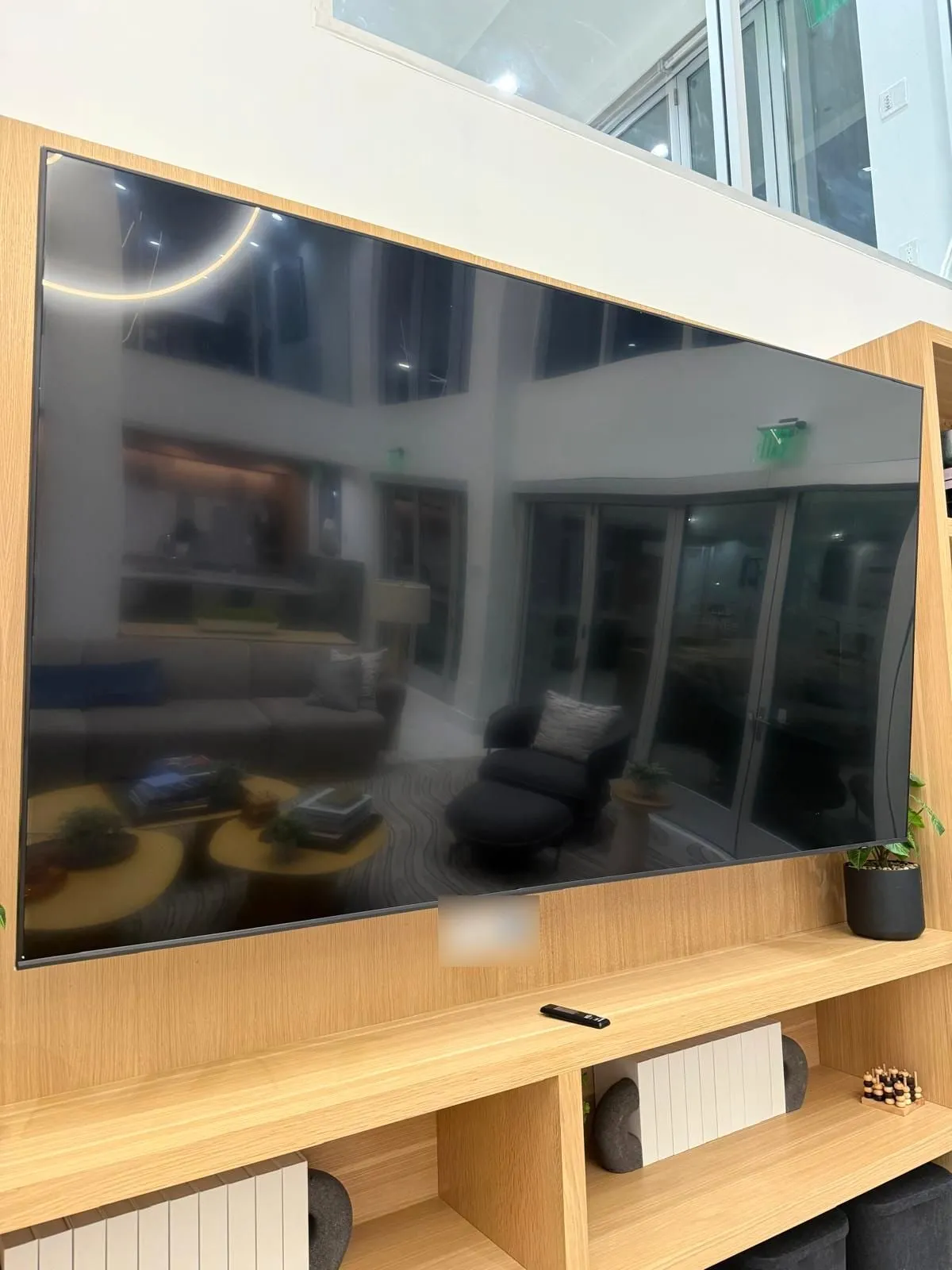
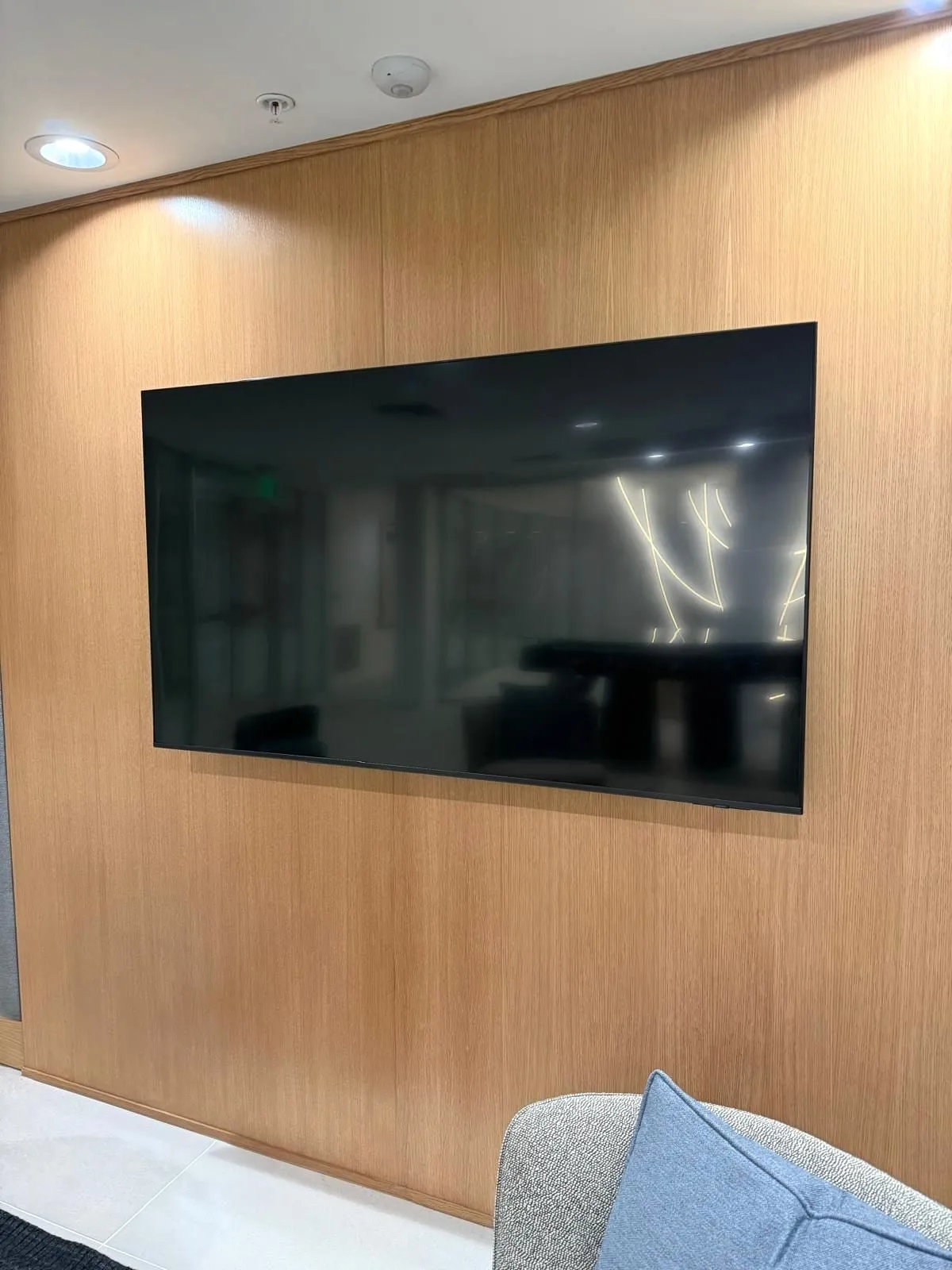
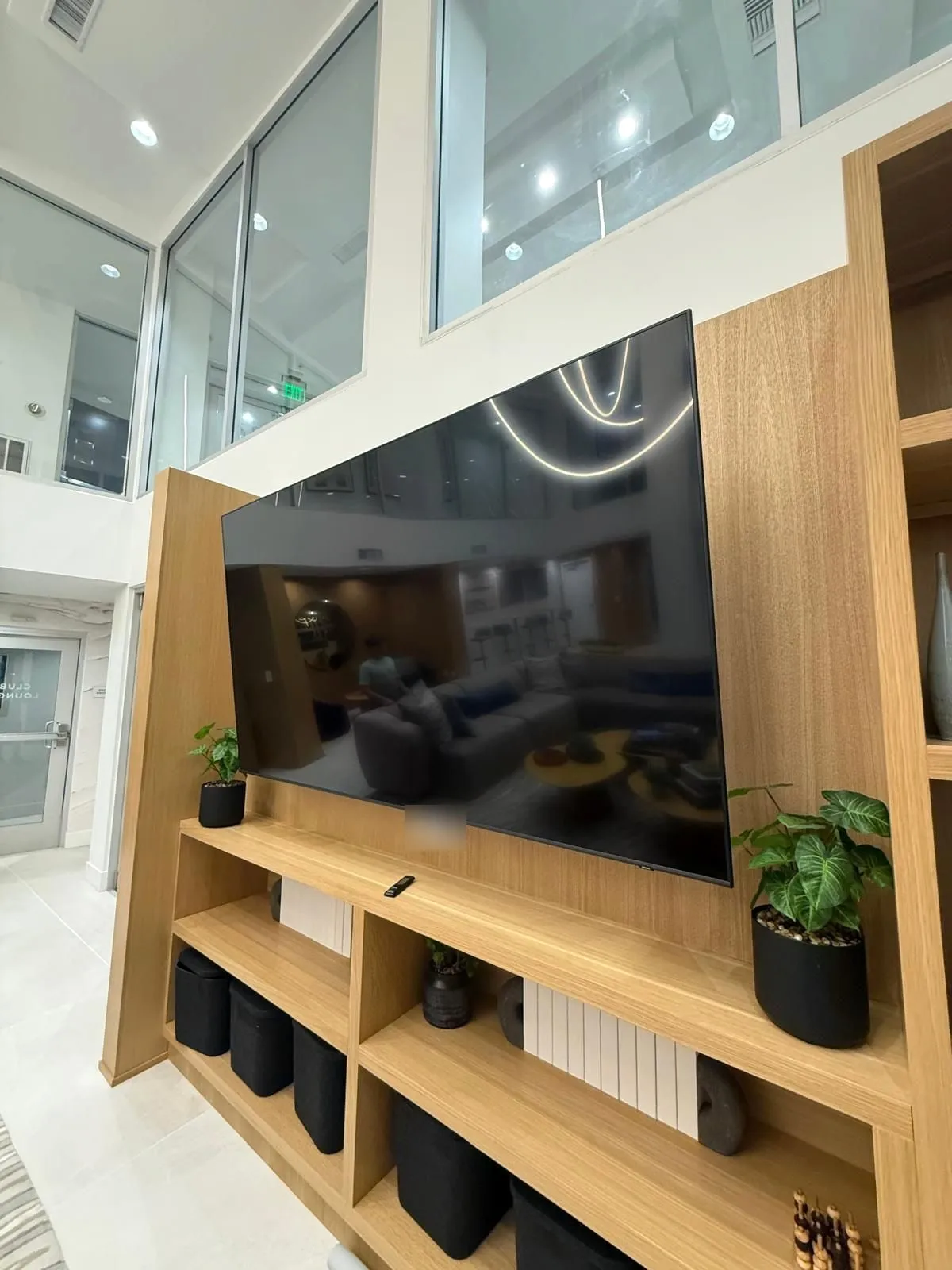
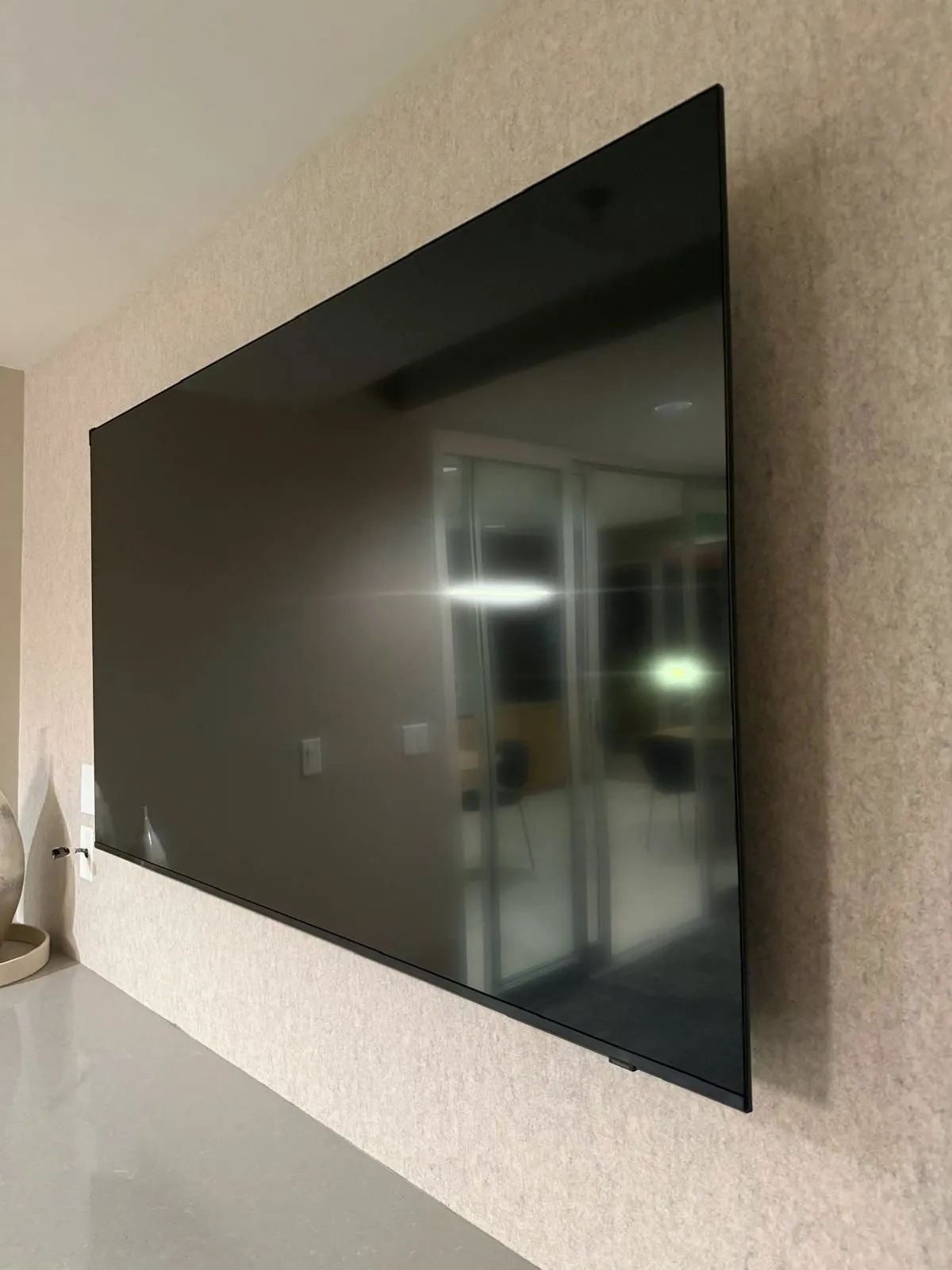
A single wall-mount visit for your TV anywhere in Los Angeles. Bring the mount or add one from our compatible options. See an estimate before you share contact details.
Pricing, what's included, job time and how it works
Pricing starts at
$99
Starting price for a 33"–70" TV on drywall with your own mount. The final price depends on TV size, wall type, mount type and any add-ons, and is confirmed before the work starts.
Free estimates
No hidden fees
Same-day, when available
What's included
✓Wall attachment and levelling. Secure attachment into the wall structure, checked level and flush to the mount.
✓TV placed on the mount. The TV is fitted onto the mount, connections routed to the visible surface and tested.
✓Basic setup check. Power on, picture check, tilt/angle adjustment. Content and streaming setup are the customer’s.
✓Clean, careful installation. Tools, packaging and debris removed at the end. No paint or drywall repair beyond the mount footprint.
Typical job time
30–60 min
Typical range. Actual time depends on TV size, wall type and any add-ons.
How it works
1
Enter your ZIP Code. Confirms coverage and opens the estimate flow.
2
Choose TV, wall and mount. A few short questions. Each answer adjusts the estimate as it appears.
3
On-site installation. A single visit: mount, level, test and clean up.
Instant quote
Get your quote in a minute
Pick the TV size, wall and mount. The total updates as you go, before you share contact details.
Suitable walls
Drywall, brick and concrete are the common cases.
The wall type is confirmed during the estimate step so the right hardware and anchors are prepared. Non-standard surfaces are reviewed before booking.
Drywall
Supported
Standard interior wall. Mounted into studs; no in-wall electrical work.
Brick
Supported
Requires masonry anchors. Confirmed during the quote step.
Concrete
Supported
Requires masonry anchors and appropriate hardware. Confirmed during the quote step.
Other wall types
Needs review
Plaster, tile, panelling and non-standard surfaces are reviewed before the visit.
Mount options
TV Mounting Types
Common flat-panel TVs from about 32" up to 100" are supported. Larger, curved or extra-heavy models are reviewed individually.
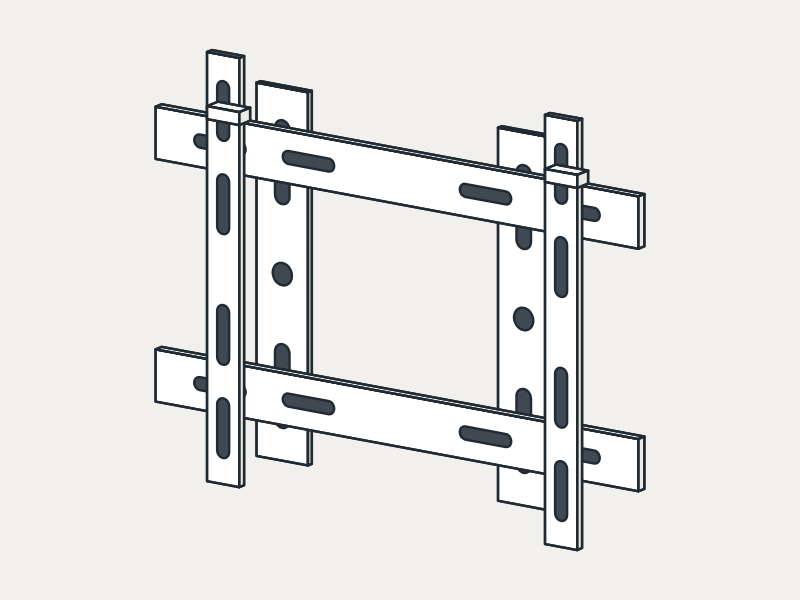
Fixed Mount
A low, flush profile for a clean look. Best when the TV sits at eye level and the angle never needs to change.
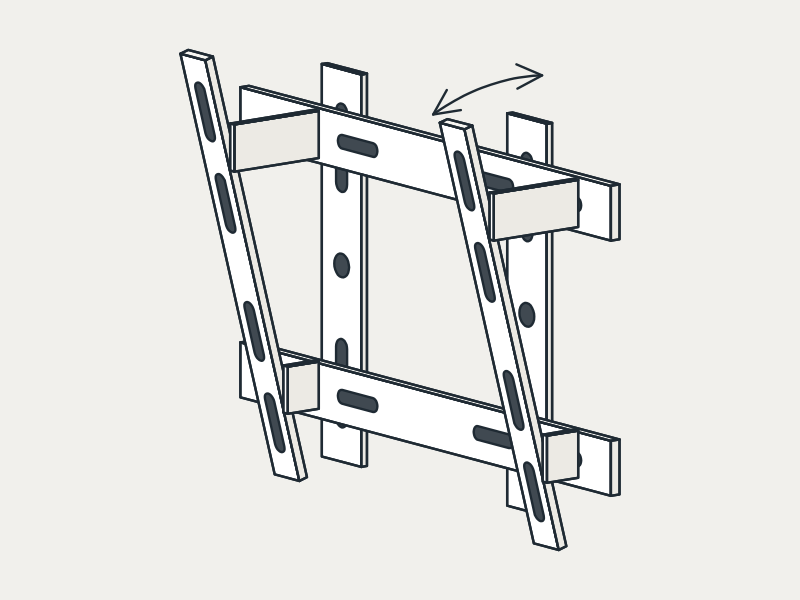
Tilting Mount
Angles the screen down to cut glare and improve the view when the TV is mounted higher, such as above a fireplace.
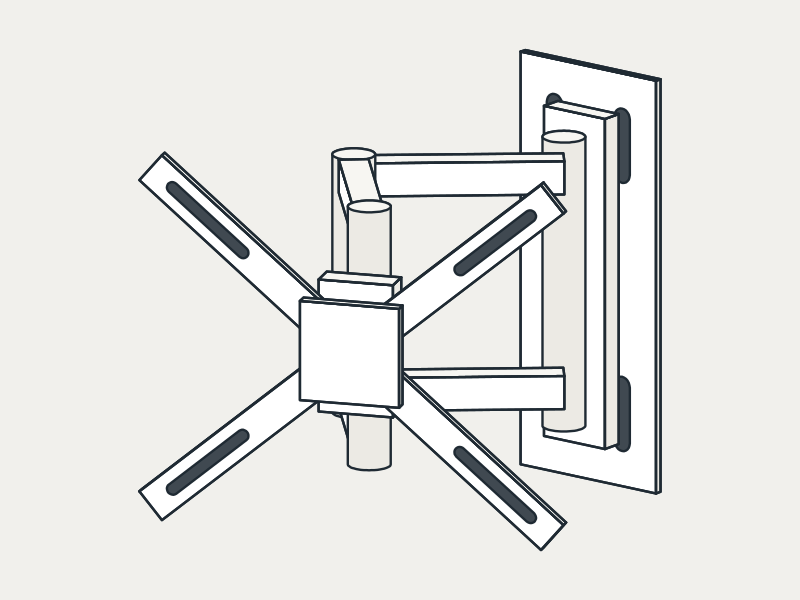
Full-Motion Mount
Extends, swivels and tilts on an arm. Best for corners, open rooms and seating in more than one spot.
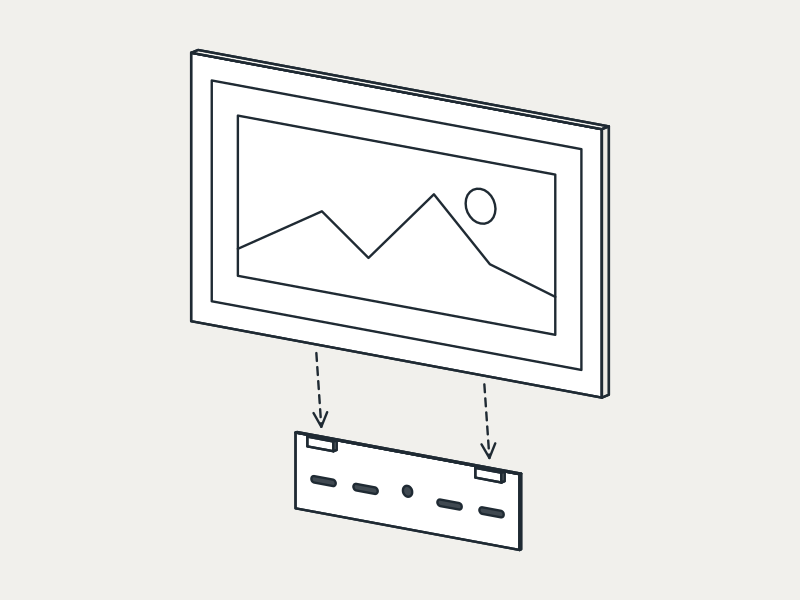
Samsung Frame Mount
The Frame’s own Slim Fit mount. The TV hangs flat against the wall, like a picture in a frame.
Already have a mount? Bring your own. We check its condition and compatibility with your TV and wall before installing it.
Optional services
Small add-ons for the same visit.
Soundbar mounting
Mount a soundbar under or above the TV in the same visit.
External cable management
A surface-mounted cable cover to hide visible cables. No in-wall electrical work.
No. You can select a compatible mount during the estimate step, or bring your own. Customer-provided mounts are checked for compatibility and condition before installation.
Can you install on brick or concrete walls?+
Yes. Brick and concrete are supported with masonry anchors. The wall type is confirmed during the estimate step so the right hardware is prepared.
Do you hide the cables inside the wall?+
This service uses external cable management with a surface-mounted cover. In-wall wiring and electrical work are not part of the standard TV mounting scope.
What TV sizes do you install?+
Common flat-panel TVs roughly 32" through 100" are supported. Larger, curved or extra-heavy models are reviewed individually before booking.
How long does the installation take?+
A standard drywall installation is typically completed in one visit. Brick, concrete or larger TVs may take longer; the estimate step notes any expected differences.